- C 91.5%
- Makefile 5.6%
- Shell 2.9%
| Filename | Latest commit message | Latest commit date |
|---|---|---|
| images | ||
| keyboards | ||
| layouts | ||
| things | ||
| vial-qmk@b991365328 | ||
| .gitmodules | ||
| LICENSE | ||
| Makefile | ||
| README.md | ||

Cantor MX Tastatura
Cantor MX Keyboard by the Decentrala comunity.
Configuration for the 8MHz version of Blackpill_f411 provided by the Xecut hackspace.
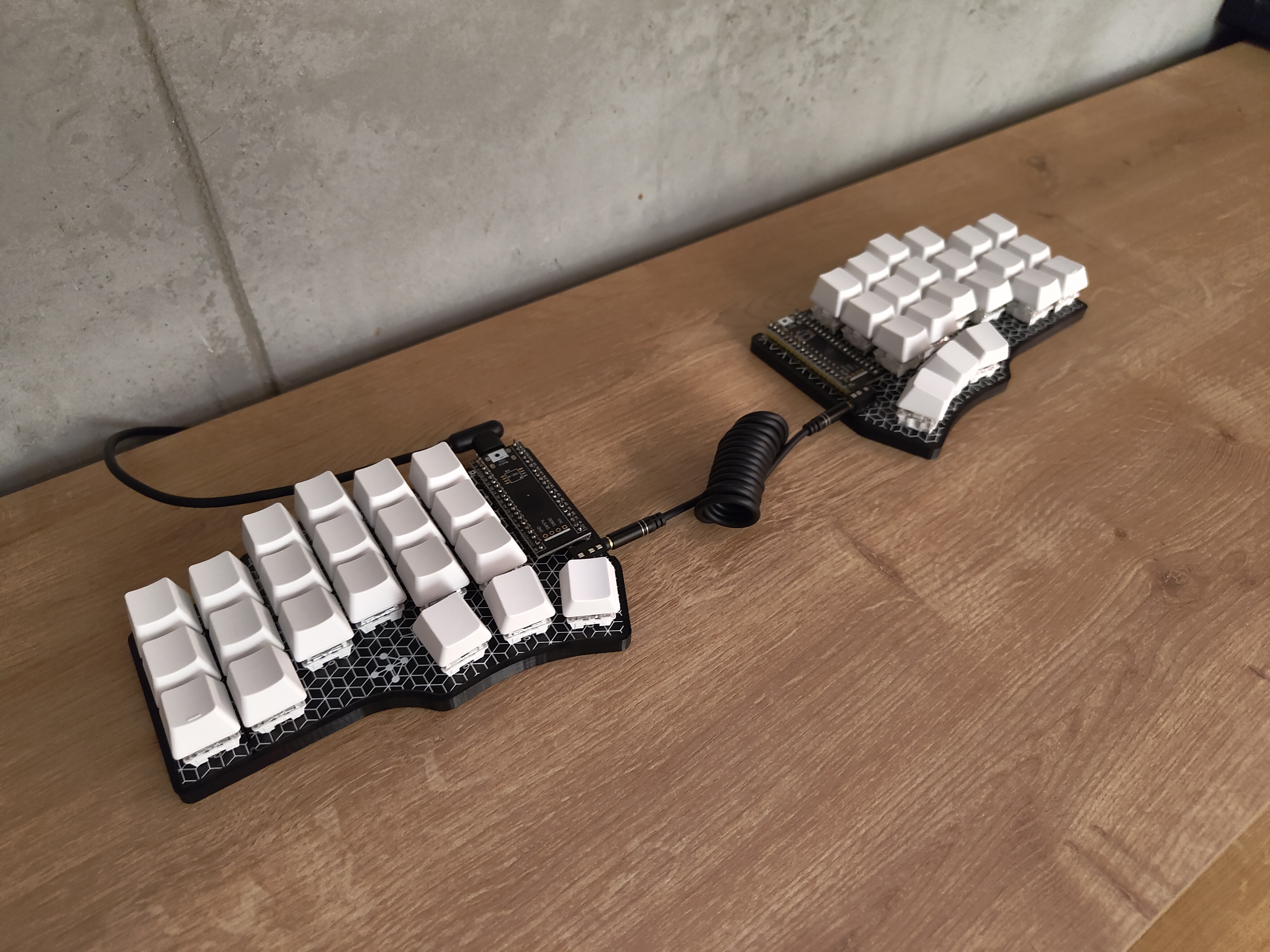
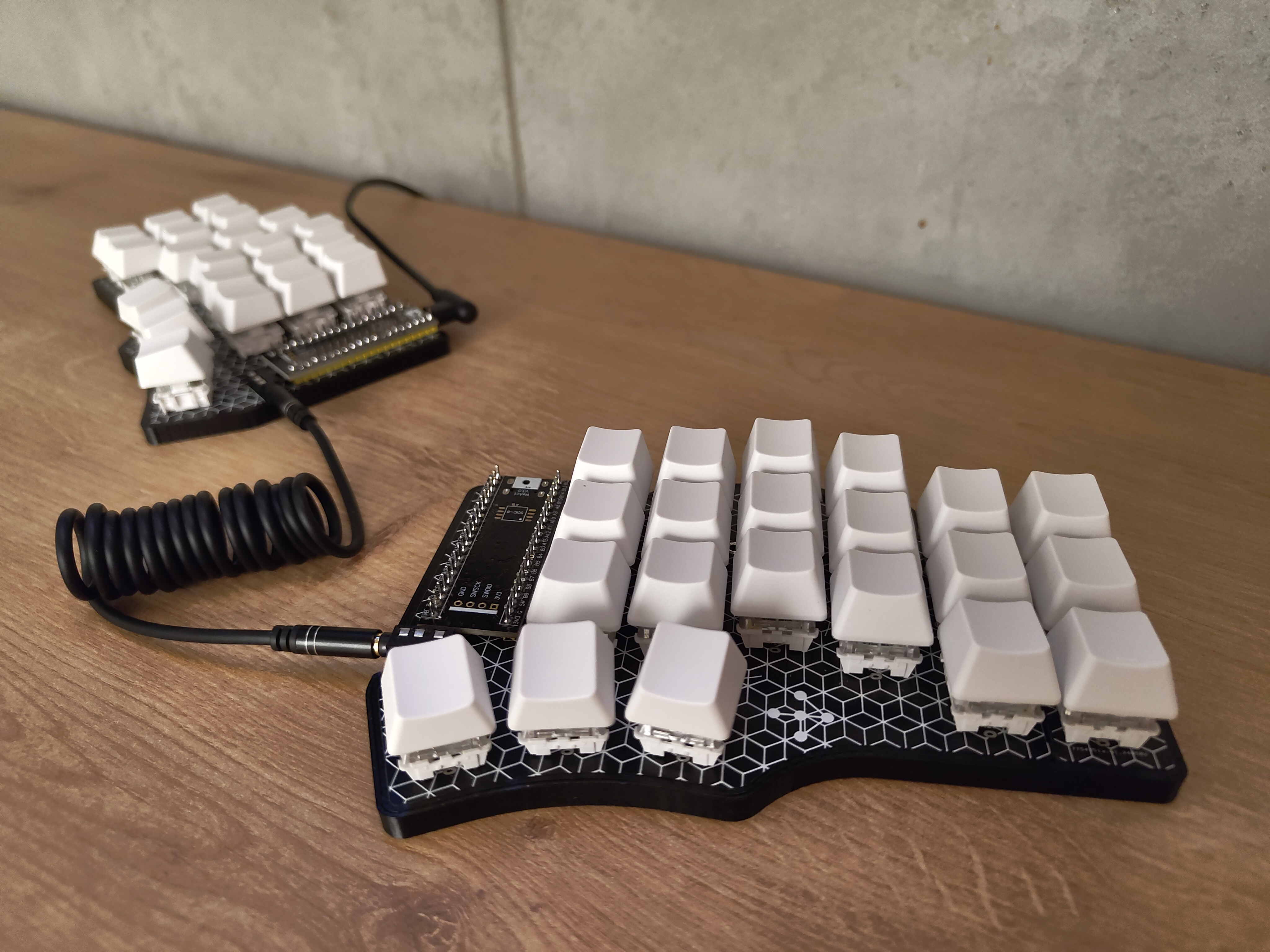
"Tastatura" is the Serbian word for "keyboard".
Initial Flash
-
Clone this repository:
git clone --recurse-submodules git@github.com:He4eT/cantor-mx-tastatura.git cd cantor-mx-tastatura -
Connect the left controller to your computer using a USB cable.
-
Start the flashing process (Docker required):
- For 8MHz Blackpill_f411 controllers:
make flash blackpill=f411_8mhz half=left - Otherwise:
make flash half=left
- For 8MHz Blackpill_f411 controllers:
-
Use the onboard
BOOT0andNRSTbutton to put the board into bootloader mode:- press and hold the
BOOT0button, - press and release the
NRST(Reset) button to power cycle the processor, - release the
BOOT0button.
For additional details, refer to STM32 Black Pill. See also the troubleshooting section.
- press and hold the
-
Repeat the process starting from step 2 for the right half.
-
Download the Vial configurator.
-
Linux Only: Configure udev rules for the first launch.
-
Open the Vial configurator.
-
Optional: Load a layout from
./layouts/.
Layouts
Default
By default, the Cantor Vial layout from the vial-qmk repository is used.
My Opinionated Layout
./layouts/odd_cantor_tastatura.vil
Check out this forum thread for some explanations.
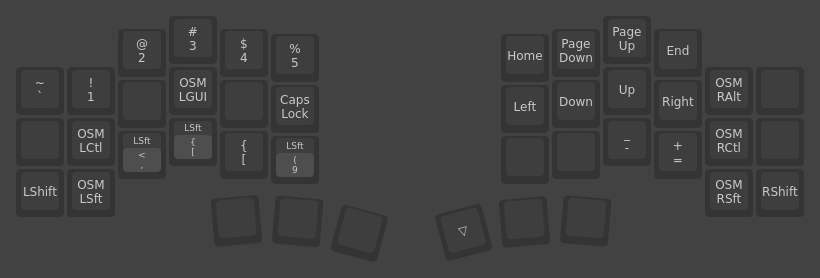
Base Layer
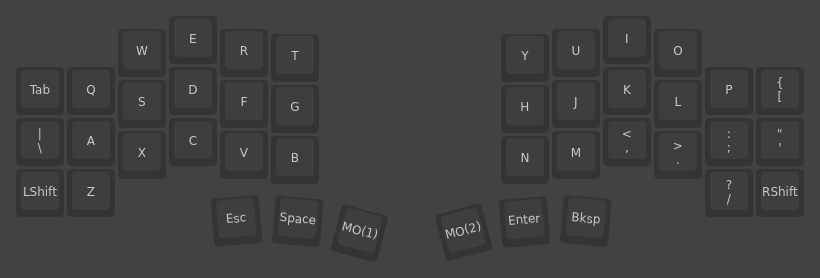
Right Hand Layer
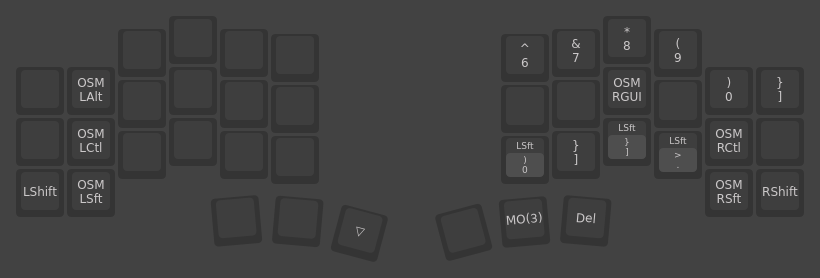
Left Hand Layer
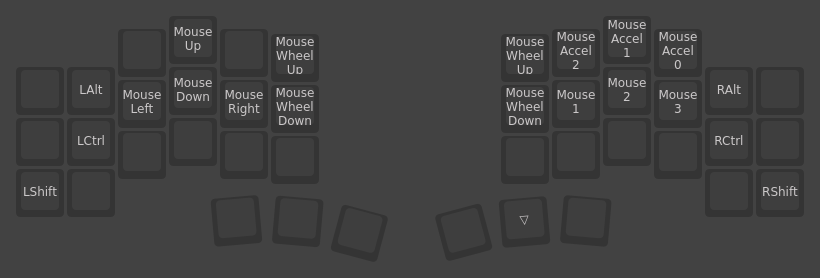
Mouse Layer
Case
./things/case_slim.stl
The Cantor MX Slim Case is a remix of the Cantor MX Case by @JellyTitan.
Troubleshooting
dfu-util: Error during download
Some versions of the STM32 Black Pill are unable to be flashed over USB using DFU mode. In this case, you can usually flash the firmware using an ST-LINK device instead:
make flash half=left
st-flash write ./vial-qmk/custom_cantor_f401_vial.bin 0x8000000